When you’re searching for a dots per inch mouse, you’re really looking for precision, comfort, and durability. DPI, or dots per inch, is the measure of how sensitive a mouse is. A higher DPI setting means your cursor moves farther on screen with less physical movement, giving you greater control and accuracy in gaming or everyday tasks.
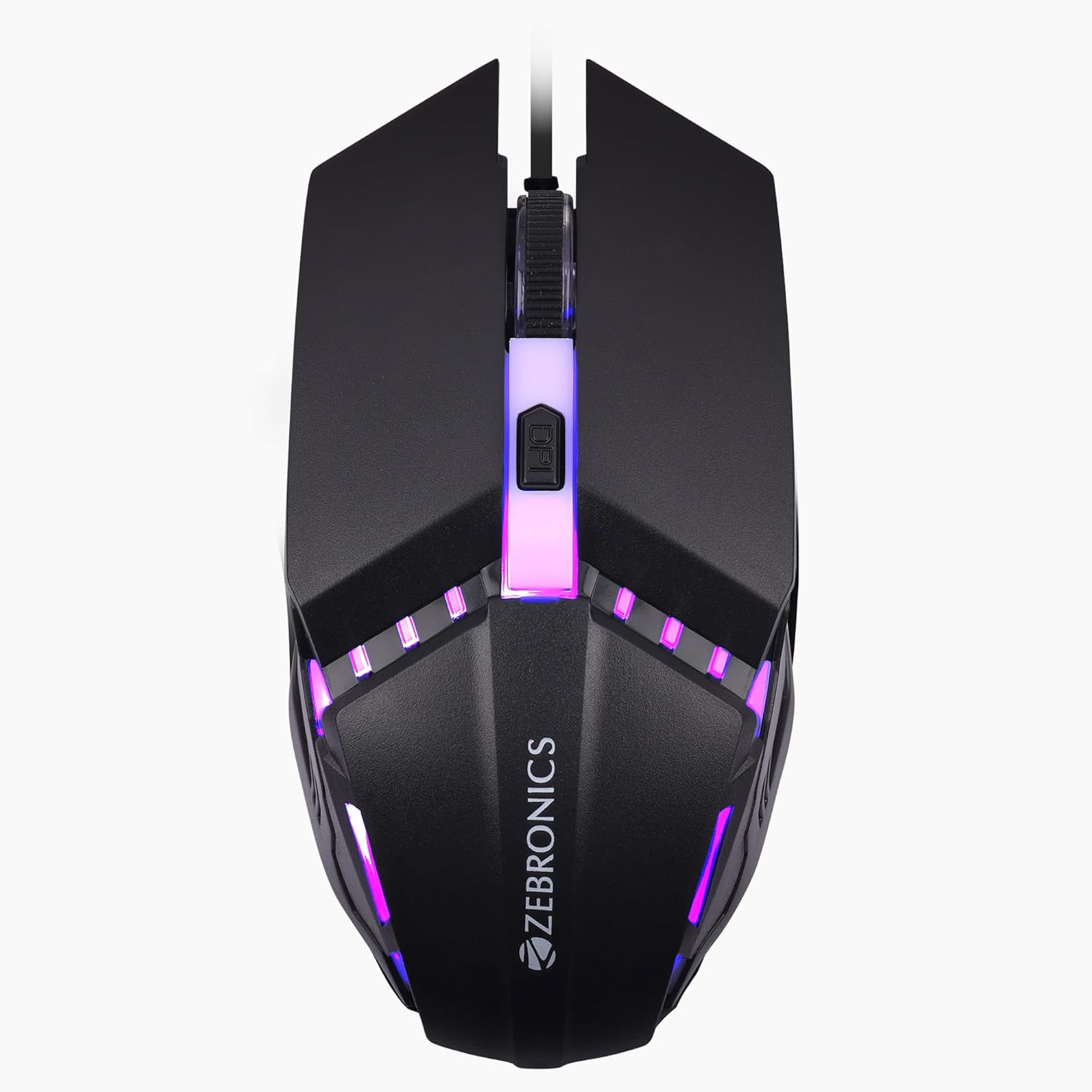
The Zebronics Phero Wired Gaming Mouse is one of the most affordable and practical options in this category. Designed with a 1600 DPI optical sensor, a dedicated DPI switch, rainbow LED lighting, and a 4-button layout, this mouse blends functionality with a stylish look. Whether you’re a gamer, a student, or an office worker, the Phero gives you exactly what you need from a budget-friendly dots per inch mouse.
What Makes DPI So Important in a Mouse?
Before diving into the features of the Phero, it’s important to understand why DPI matters. DPI, short for dots per inch, determines how quickly the cursor moves across the screen in response to your hand movements.
-
Low DPI (400–800): Great for tasks that require accuracy, like detailed photo editing.
-
Medium DPI (800–1600): Perfect for everyday computing and casual gaming.
-
High DPI (1600+): Best for fast-paced gaming and high-resolution monitors.
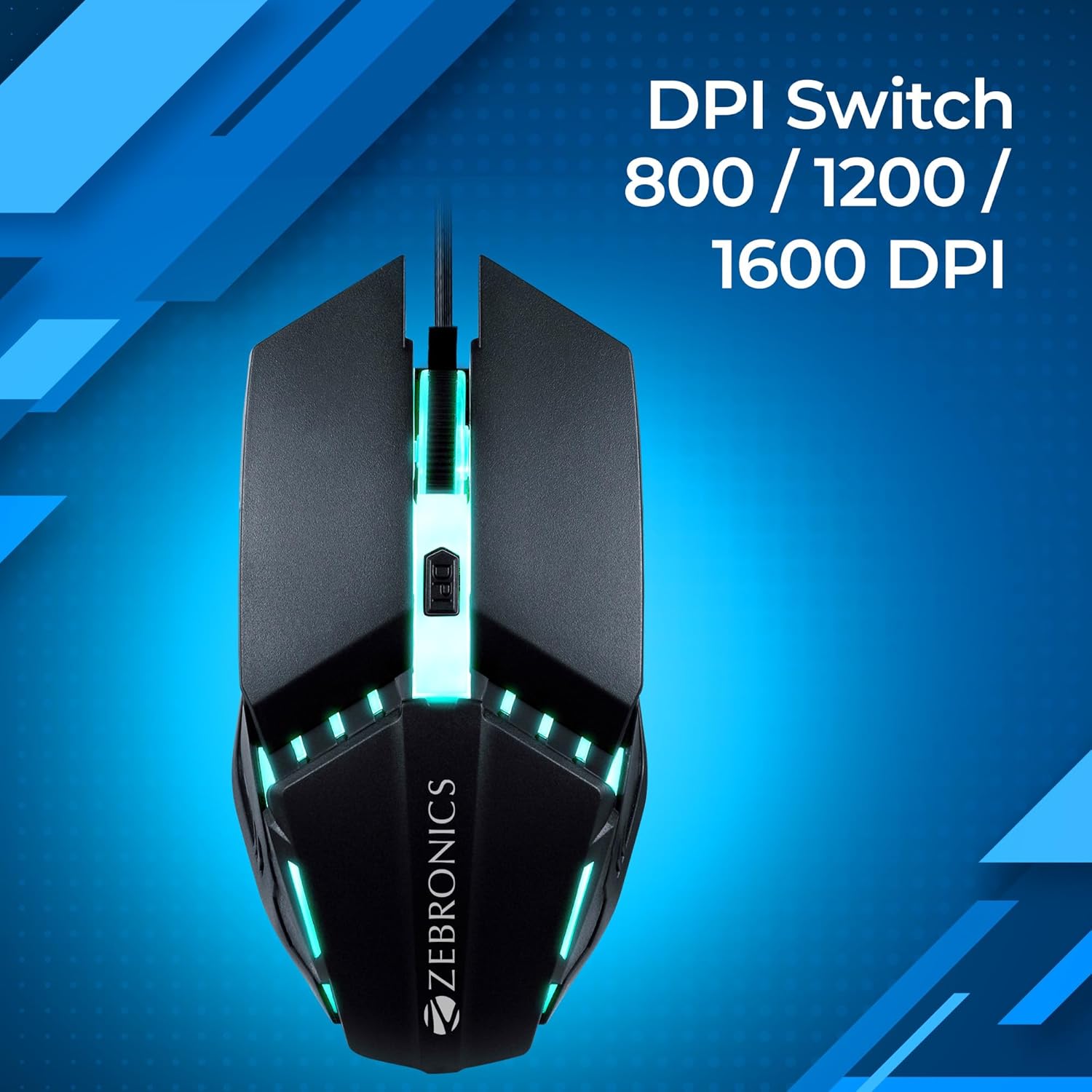
The Zebronics Phero offers up to 1600 DPI, which makes it a versatile dots per inch mouse suitable for both casual gamers and regular users.
Key Features of Zebronics Phero Dots Per Inch Mouse
1. High Precision with 1600 DPI
The 1600 DPI optical sensor ensures smooth tracking and responsive cursor movement. If you’ve ever used a low-quality mouse that lags or skips, you’ll immediately notice the difference here. The Phero provides reliable tracking, making it a great choice for gaming and productivity alike.
2. Dedicated DPI Switch
Most standard mice don’t allow DPI adjustments, but the Phero includes a DPI switch button. With just one press, you can toggle through sensitivity levels depending on your needs. For instance, while browsing or working, you may prefer a lower DPI, but in a shooting game, higher DPI can give you quicker reflexes. This makes it a flexible wired dots per inch mouse.
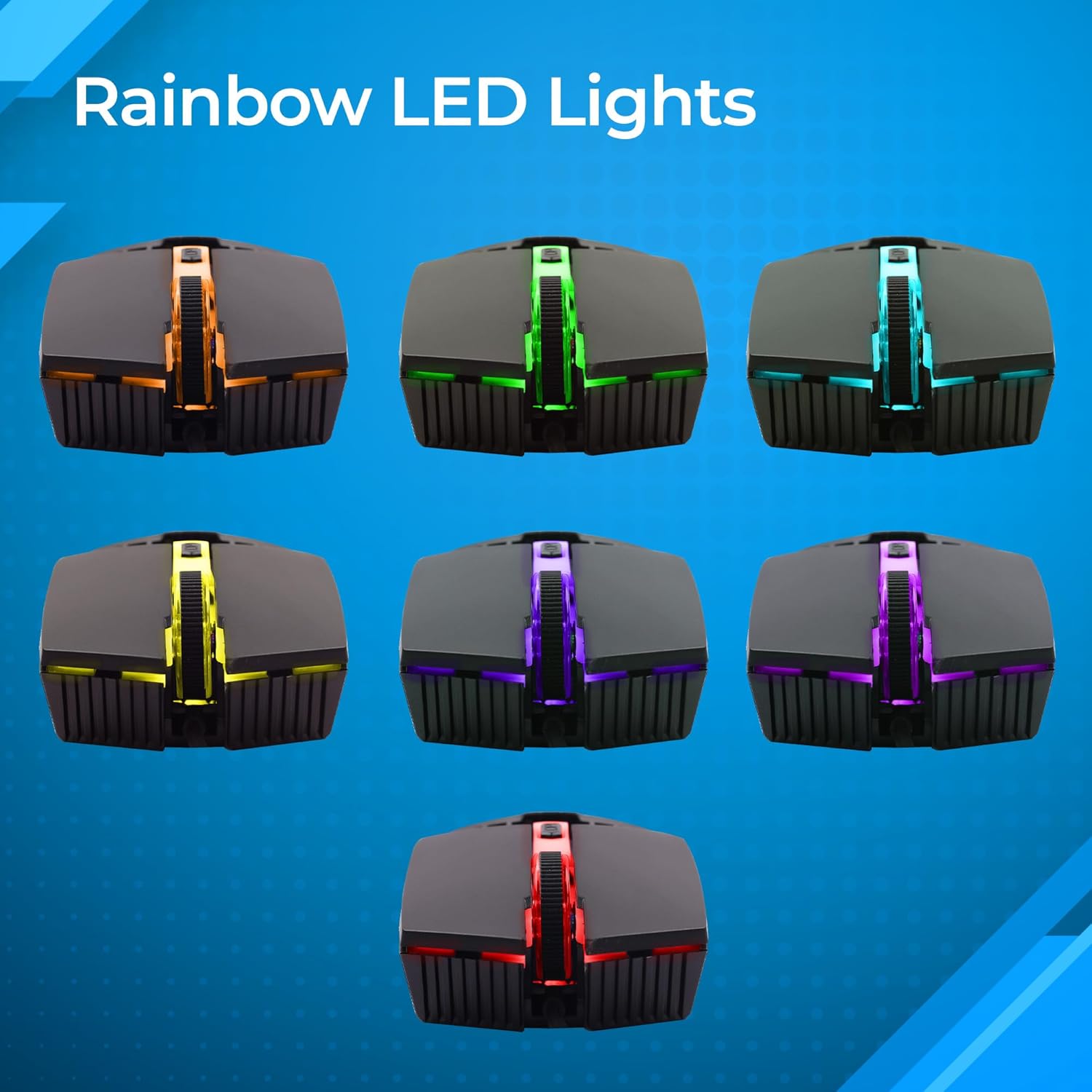
3. Stylish Rainbow LED Lights
The built-in rainbow LED lighting isn’t just for aesthetics. It gives your setup a gaming vibe and makes the Phero stand out from regular office mice. If you’re someone who wants their accessories to look as good as they perform, this dots per inch mouse with LED lights won’t disappoint.
4. 4 Responsive Buttons
With 4 buttons (left, right, scroll, and DPI switch), the Phero offers simplicity and usability. Many high-end gaming mice come overloaded with 8–12 buttons, which can be confusing for beginners. The Phero keeps things straightforward — perfect for anyone looking for a practical usb dots per inch mouse.
5. Plug-and-Play USB Setup
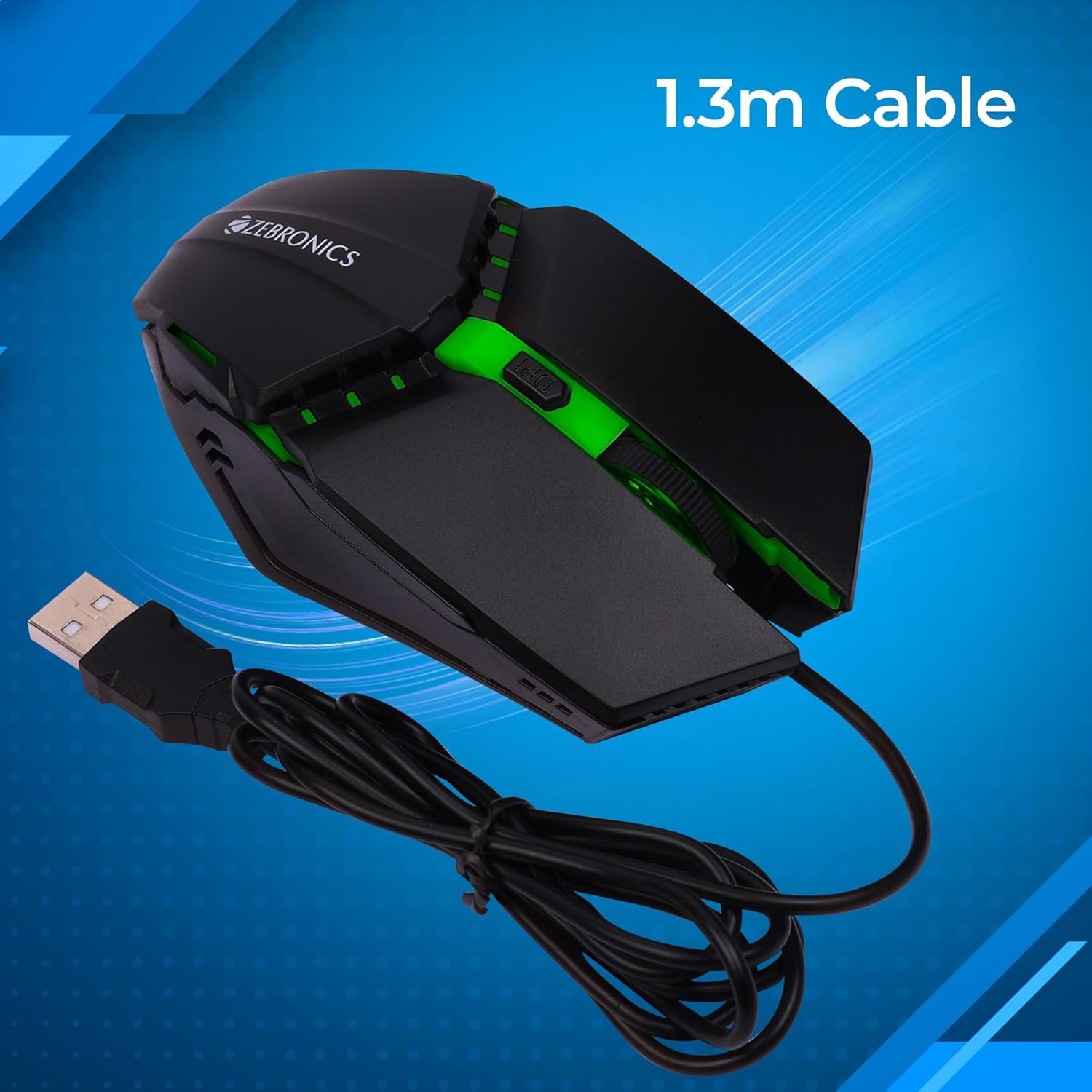
No drivers. No installations. Just plug the mouse into your PC or laptop and start using it instantly. The plug-and-play USB design makes it highly user-friendly, especially for non-tech-savvy users who just want a dots per inch mouse that works right out of the box.
Performance in Gaming and Work
When tested in real-world conditions, the Zebronics Phero performs reliably for both gaming and office use.
-
In Gaming: The adjustable DPI makes it suitable for both slower, tactical games and fast-paced shooters. While it isn’t designed to compete with premium 12,000+ DPI gaming mice, for its price range, it provides excellent tracking and responsiveness.
-
In Office Work: Tasks like web browsing, spreadsheets, and presentations feel smooth. The DPI control also helps adjust cursor speed for comfort, reducing strain over long hours of use.
This balance makes the Phero a solid dots per inch mouse for beginners and casual users.
Build Quality and Durability
The Phero has a solid plastic build with a comfortable shape that fits most hand sizes. It’s lightweight, making it easy to use for long sessions without fatigue. While it’s not the heaviest-duty mouse out there, the buttons are rated for durability and the overall construction feels dependable for everyday use.
For those worried about longevity, Zebronics is known for making affordable peripherals that hold up well under daily wear and tear.
Pros and Cons of Zebronics Phero
✅ Pros
-
Affordable and budget-friendly
-
1600 DPI sensor with instant DPI switch
-
Stylish rainbow LED lights
-
Plug-and-play USB connection
-
Lightweight and comfortable design
-
Reliable dots per inch mouse for casual gaming and work
❌ Cons
-
Only up to 1600 DPI (not for pro-level gaming)
-
4-button design may feel too simple for advanced users
-
LED lighting is not customizable
Who Should Buy the Zebronics Phero?
This mouse is ideal for:
-
Students who want an affordable yet stylish mouse for online classes and gaming.
-
Office workers who need a reliable usb dots per inch mouse for daily tasks.
-
Casual gamers looking for a budget gaming mouse with adjustable DPI.
-
Beginner PC users who don’t want to spend too much but still want features like DPI switching and LED lighting.
If you’re a professional eSports gamer, you might want a higher DPI range (like 6400 or 12800), but for everyone else, the Phero gets the job done.
Comparison with Other Dots Per Inch Mouse Options
-
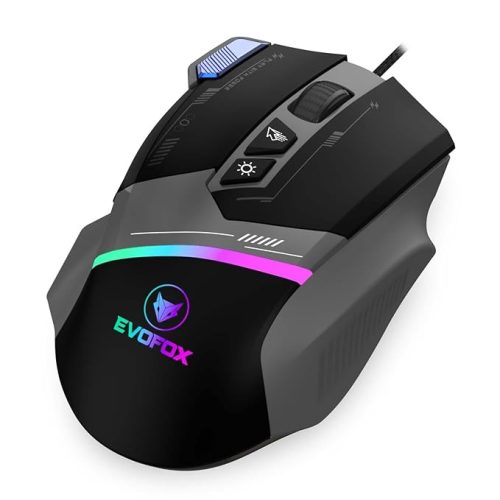
EvoFox Spectre (3600 DPI): Offers a higher DPI range and braided cable but costs more.
-
Redgear A-15 (6400 DPI): Popular budget gaming mouse with extra buttons.
-
Zebronics Phero (1600 DPI): Most affordable, simpler design, great for beginners.
In the budget category, the Phero holds its ground as a low-cost dots per inch mouse that covers the essentials.
Final Verdict
The Zebronics Phero Wired Gaming Mouse is a fantastic entry-level dots per inch mouse for anyone seeking a balance of precision, affordability, and style. With 1600 DPI, DPI switch functionality, rainbow LED lights, and a plug-and-play USB connection, it’s well-suited for students, office users, and casual gamers.
While it won’t replace high-end gaming mice with 12,000+ DPI and customizable software, it absolutely delivers value for money. If you’re in the market for a reliable and stylish dots per inch mouse under ₹500–700.



Reviews
There are no reviews yet.